How to conduct a smart device display test?
"The relationship between screen size and usability is not merely about more pixels, but about how much digital space a user can effectively manage without losing ergonomic comfort."
This guide helps you decide between compact displays for one-handed use and expansive screens for productivity, while noting that extreme aspect ratios may impact button reach.
* Prioritize smaller screens for better one-handed ergonomics. * Select larger displays for enhanced media and multitasking efficiency. * Consider weight and grip when evaluating screen-to-body ratios.
How to choose a 2026 phone screen size guide?
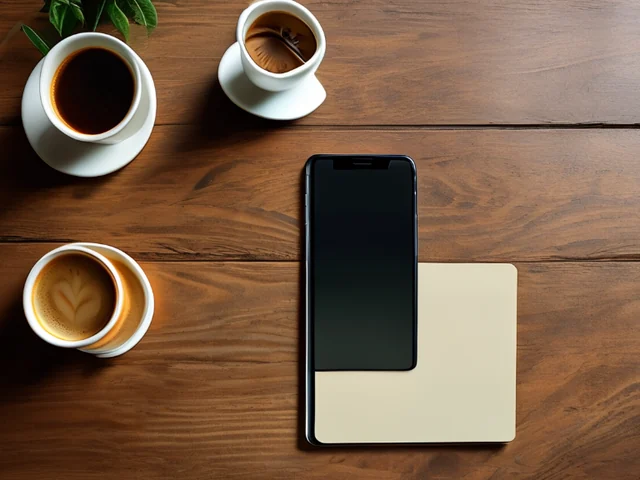
At dusk, you sit by the window and conduct a test by sliding the device across the table to feel its cool weight.
They tap the edges of the glass, testing if their thumb can reach the top corners of the display.
Large phone efficiency often depends on whether the device fits comfortably in a pocket or a palm. When evaluating screen size usability, users must look at how the bezel width affects the actual viewing area.
A smart device display test usually reveals that larger screens are better for video but harder for texting. If you prefer the best phone screen ratio for reading, you might find that narrower, taller displays feel more natural.
Comparing 2026 phone screens requires looking at how much surface area is actually usable. Full screen efficiency analysis shows that as displays grow, the physical footprint of the device often expands faster than the interactive area.
What makes a large phone efficient?
During the afternoon, you stand in the hall to conduct a grip check, feeling the heavy glass press into your palm.
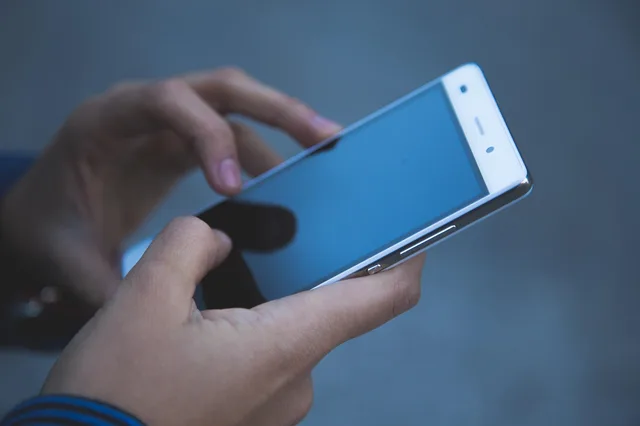
A user stands in a brightly lit terminal, holding a massive smartphone to watch a movie during a long wait. They adjust their grip, feeling the weight of the device pressing against their palm.
Large phone efficiency is largely a matter of how much content can be displayed without overwhelming the user's ability to navigate.
Screen size versus usage power is a critical metric for those who prioritize media consumption. While a larger screen provides a more immersive experience, it can increase the physical strain on the wrist during extended sessions.
Users looking for high-level multitasking will find that more space allows for split-screen operations to feel less cramped.
How can I master screen size usability?
A student sits in a quiet library, using a smartphone to split the screen between a textbook PDF and a note-taking app. They carefully drag the divider, trying to find the perfect balance of information.
Screen size usability is improved when the software intelligently scales elements to fit the available glass.
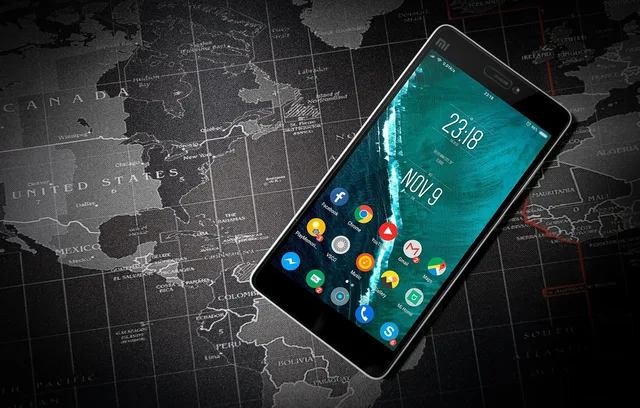
Effective screen size usability relies on knowing your primary tasks. If you primarily use your device for quick communication, a smaller screen is often more efficient. For those who use their phone as a primary workstation, a larger display becomes almost mandatory to avoid visual clutter.
How to conduct a smart device display test?
A technician places several different mobile devices on a white mat, tapping each one in a rhythmic pattern. They note how far the thumb must travel to reach the search bar on each model. Conducting a smart device display test involves checking the reachability of key interface elements.
To evaluate your needs, follow these steps:
- Hold the device in one hand and attempt to reach the top-left corner of the screen using only your thumb. 2. Open a standard messaging app and type a full sentence to see if the keyboard feels too wide or too narrow. 3. Open a video player and observe if the black bars on the sides feel intrusive to the viewing experience.
Perform a final check by seeing how the device feels when placed in your most frequently used pocket.
Does the best phone screen ratio matter?
A photographer walks through a park, checking the composition of a shot on a wide, high-resolution display. The sunlight reflects off the glass, showing a crisp, expansive view of the landscape.
Finding the best phone screen ratio is essential for users who value aspect ratios that favor either cinematic video or vertical scrolling.
The ratio of height to width dictates how much text fits on a screen at once. Some users prefer a wider ratio for gaming, while others favor a taller ratio for social media feeds.
| Feature | Compact Display | Large Display |
|---|---|---|
| One-handed use | High efficiency | Low efficiency |
| Media viewing | Limited immersion | High immersion |
I found that my preference shifted toward the larger display once I started using more productivity apps.
What are the limits of screen size?
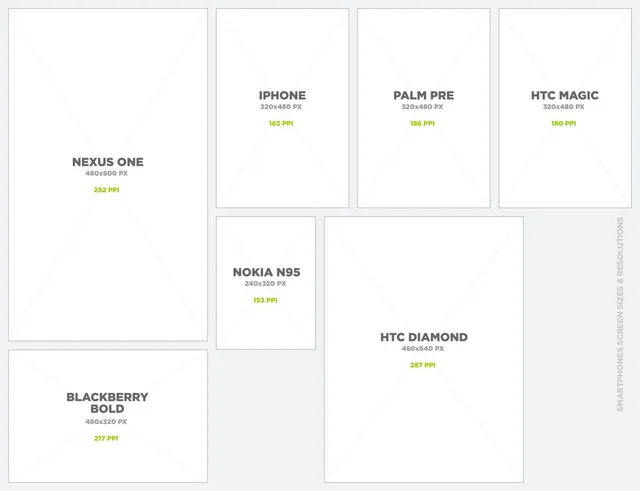
A person tries to use a massive tablet-sized phone while walking down a narrow sidewalk, nearly bumping into a pedestrian. They struggle to keep the device steady as it catches the wind. A limitation of large screens is that they can become unwieldy in cramped environments or during active movement.
The effectiveness of a large screen is limited when the device becomes too heavy for comfortable long-term holding.
- Choosing the right 2026 phone screen size requires balancing visual real estate with physical handling ease.
- A person sits at a wooden desk, sliding a slim smartphone across the surface to feel its weight.
- Selecting a 2026 phone screen size guide involves weighing the desire for a large canvas against the reality of daily grip.
Related
How does the relationship between screen size and comfort manifest?
- The relationship between screen size and usability shows a clear divergence when comparing one-handed operation against extended media viewing. 2. A smaller display inherently supports better one-handed ergonomics, which is a key consideration when assessing the relationship between screen size and physical handling ease. 3. Conversely, the relationship between screen size and productivity leans toward larger canvases, allowing for enhanced multitasking efficiency.
When evaluating the relationship between screen size and grip, the weight and screen-to-body ratio become paramount factors. A device that feels too heavy compromises the initial ergonomic comfort that a user seeks.
What cautions surround the relationship between aspect ratio and reach?
- Extreme aspect ratios present a caution regarding button reach, meaning that the physical dimensions of the display influence how easily a user can interact with all on-screen controls. 2. The relationship between aspect ratio and usability suggests that narrower, taller displays might offer a more natural feel for reading tasks compared to wider formats. 3. Users must caution themselves that while a large screen offers immersion, it can simultaneously increase physical strain during prolonged use.
The relationship between screen size and effective management requires that the user can navigate the digital space without undue physical stress. A poorly proportioned device challenges the user's ability to manage the visual real estate provided by the glass.
When conducting a smart device display test, one must also consider the relationship between the keyboard width and the screen size, especially during text entry. If the keyboard obscures too much of the view, the usability suffers regardless of the total pixel count.
[web] Best Electric Cars for 2026 – Road & Track Expert Picks Based on the retained excerpt mentioning EPA: 2026 Tesla Model 3 Performance View Photos DW Burnett Price: $56,630 EPA-estimated range: 309 miles Tesla offers big bang for your buck with its Model 3 Performance.


Comments 0